Data is a snapshot.
The trend shows the direction.

oneDashboard is a management compass: it shows where you stand, which way operations are moving, and where it is worth taking a closer look.

The same system, in the cloud or on your own servers — still small today, multiple sites tomorrow

How deep shall we go?

Same system. Three depths.

surface. If you only have a few minutes mid-depth. The essentials, with practical examples deep dive. If you want to see what's behind it

The question isn't how much data there is. It's whether it gives you an answer.

Not a separate product

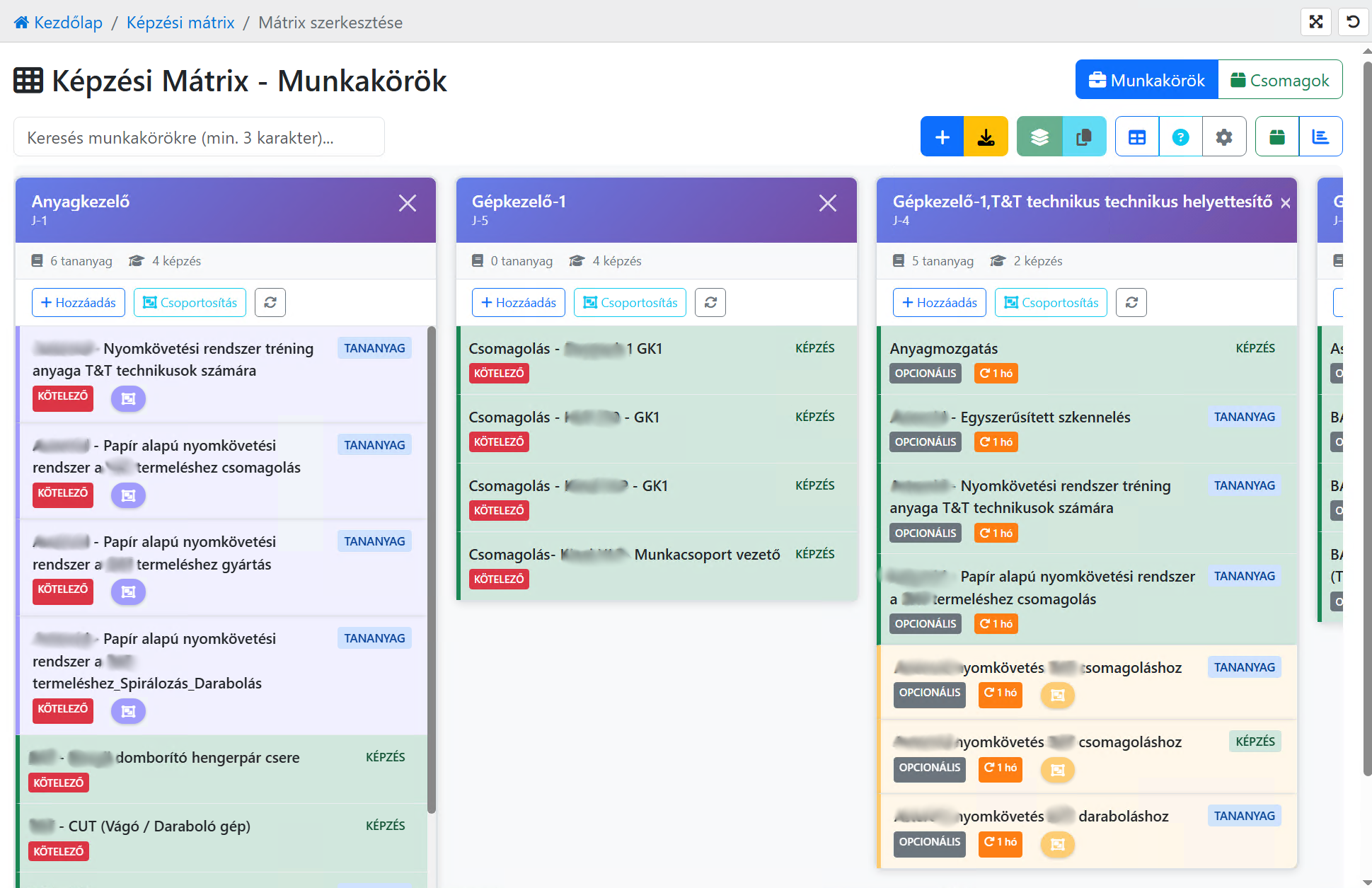
Reports live where the data is created.

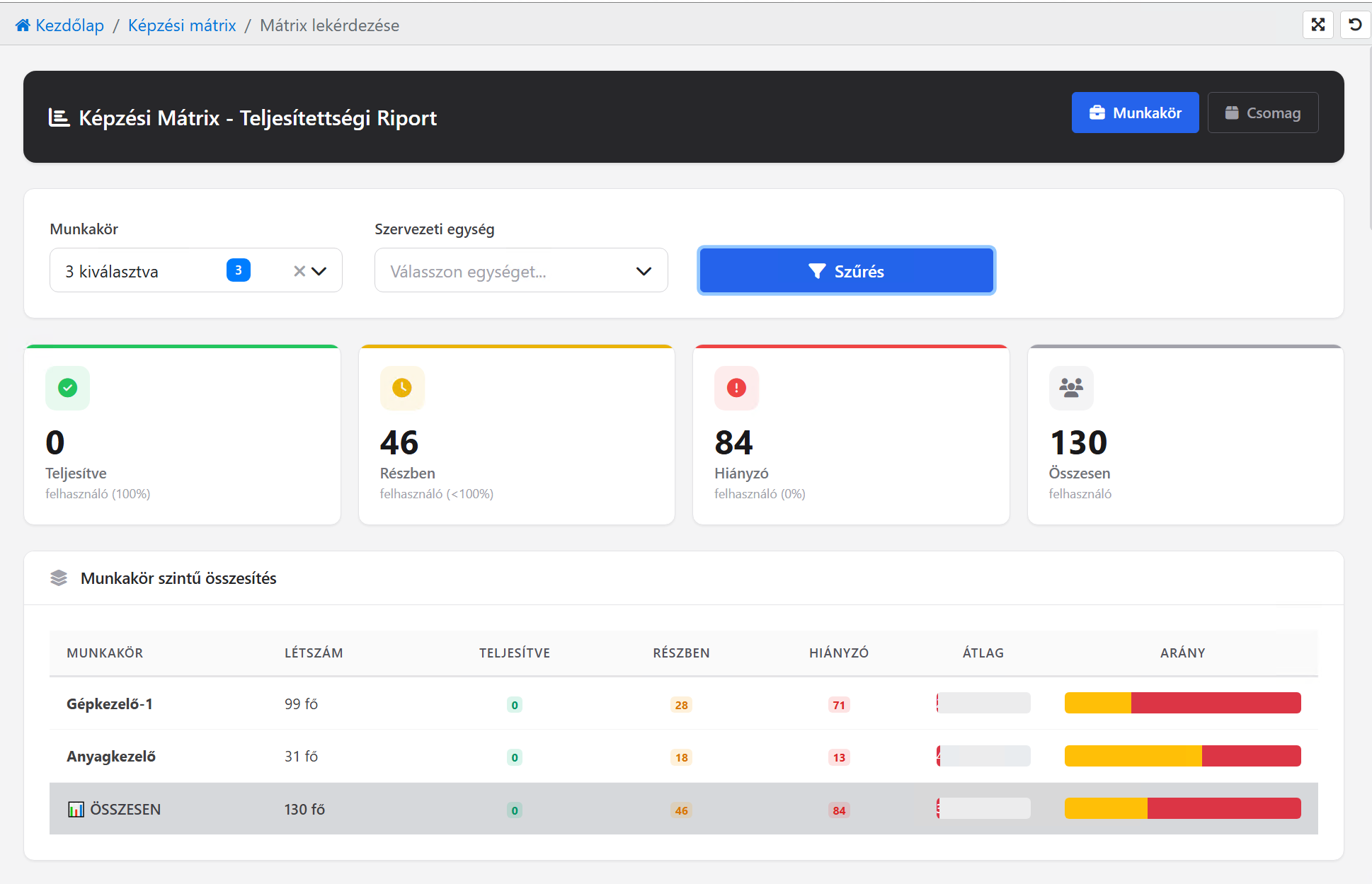
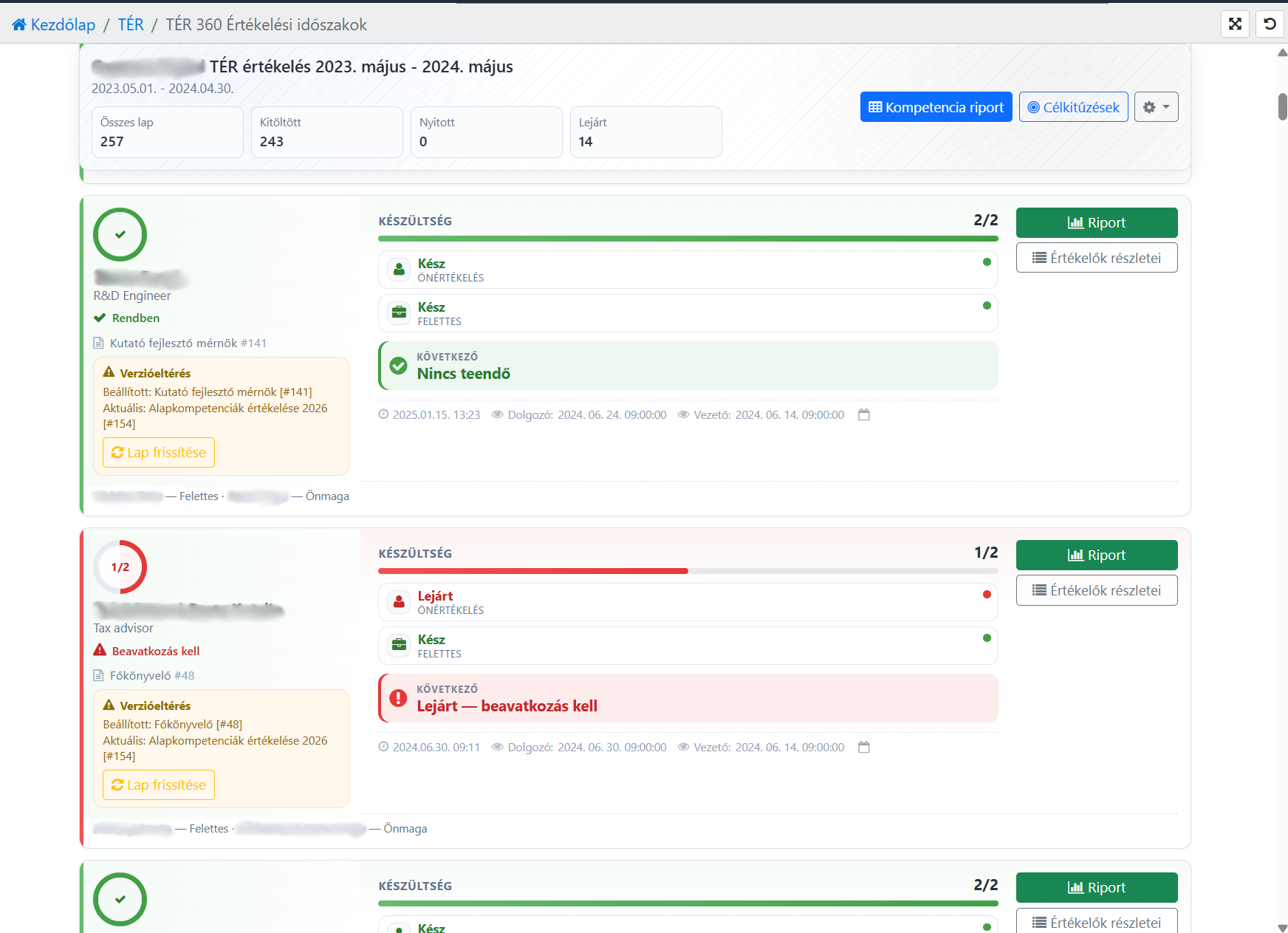
Every module has queries that are management views: the matrix and completion in training, the frame monitor in working time, the fill rate in reviews. oneDashboard brings them into one place — it doesn't copy data, and it doesn't ask for new data.

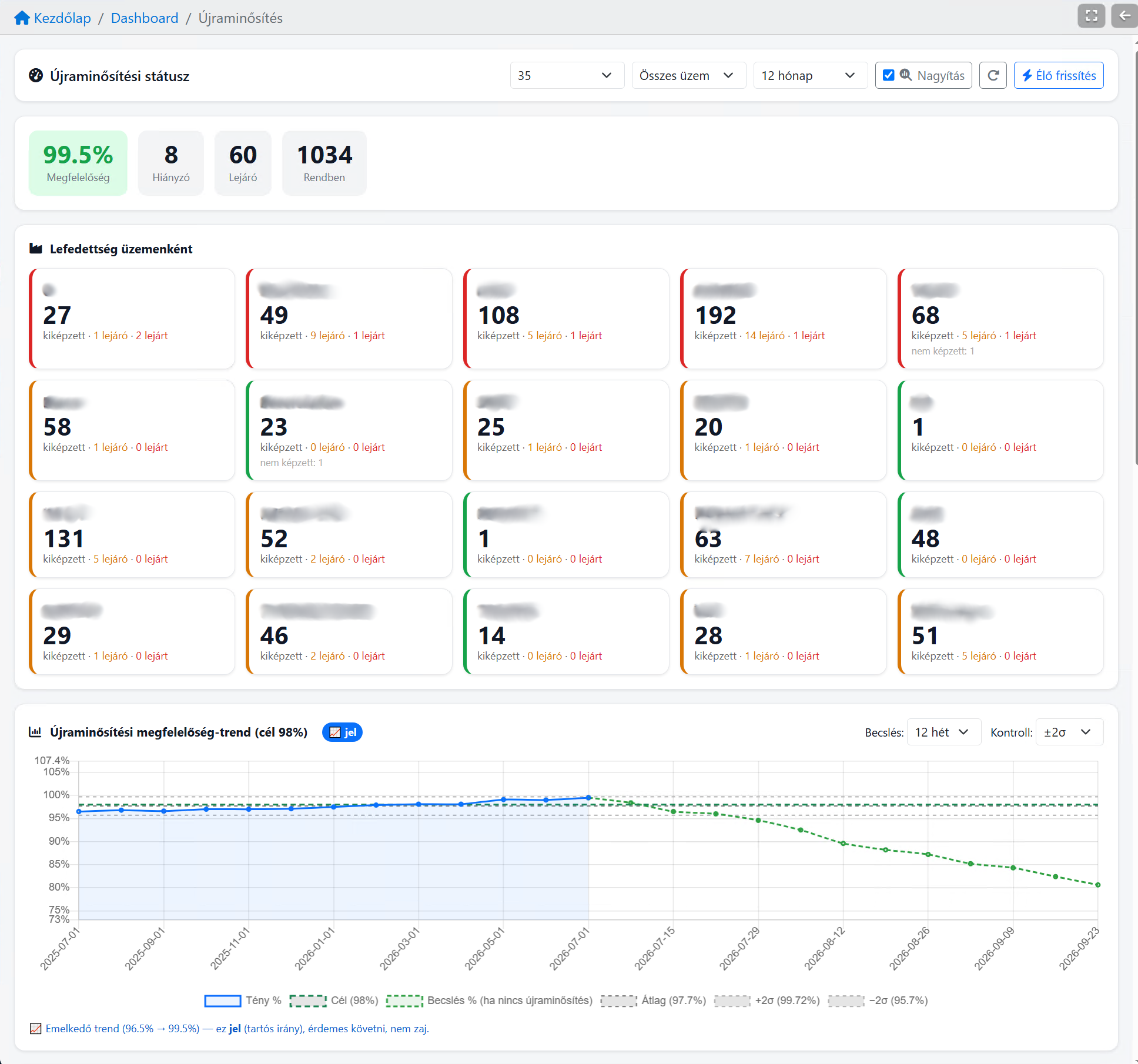
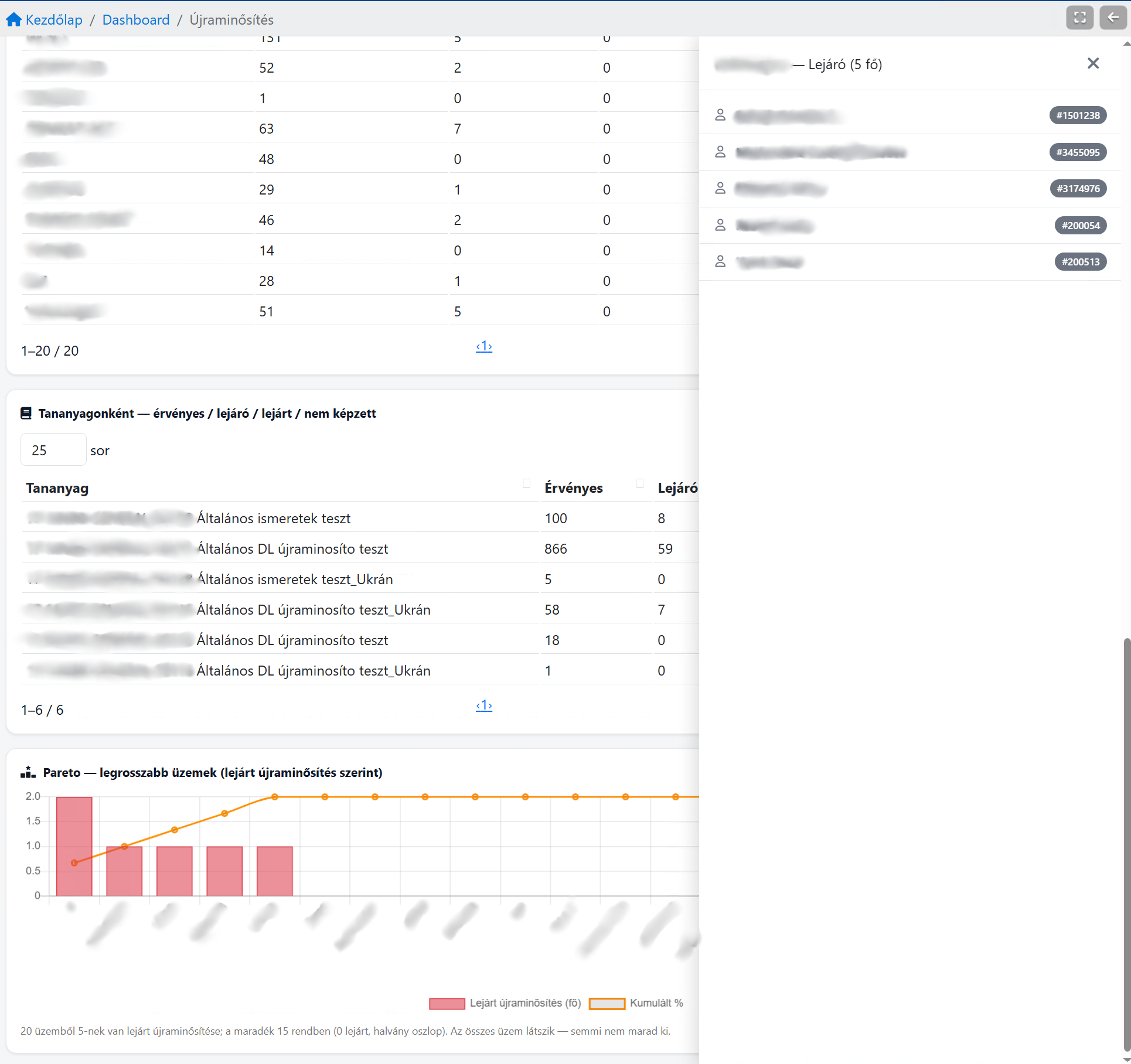
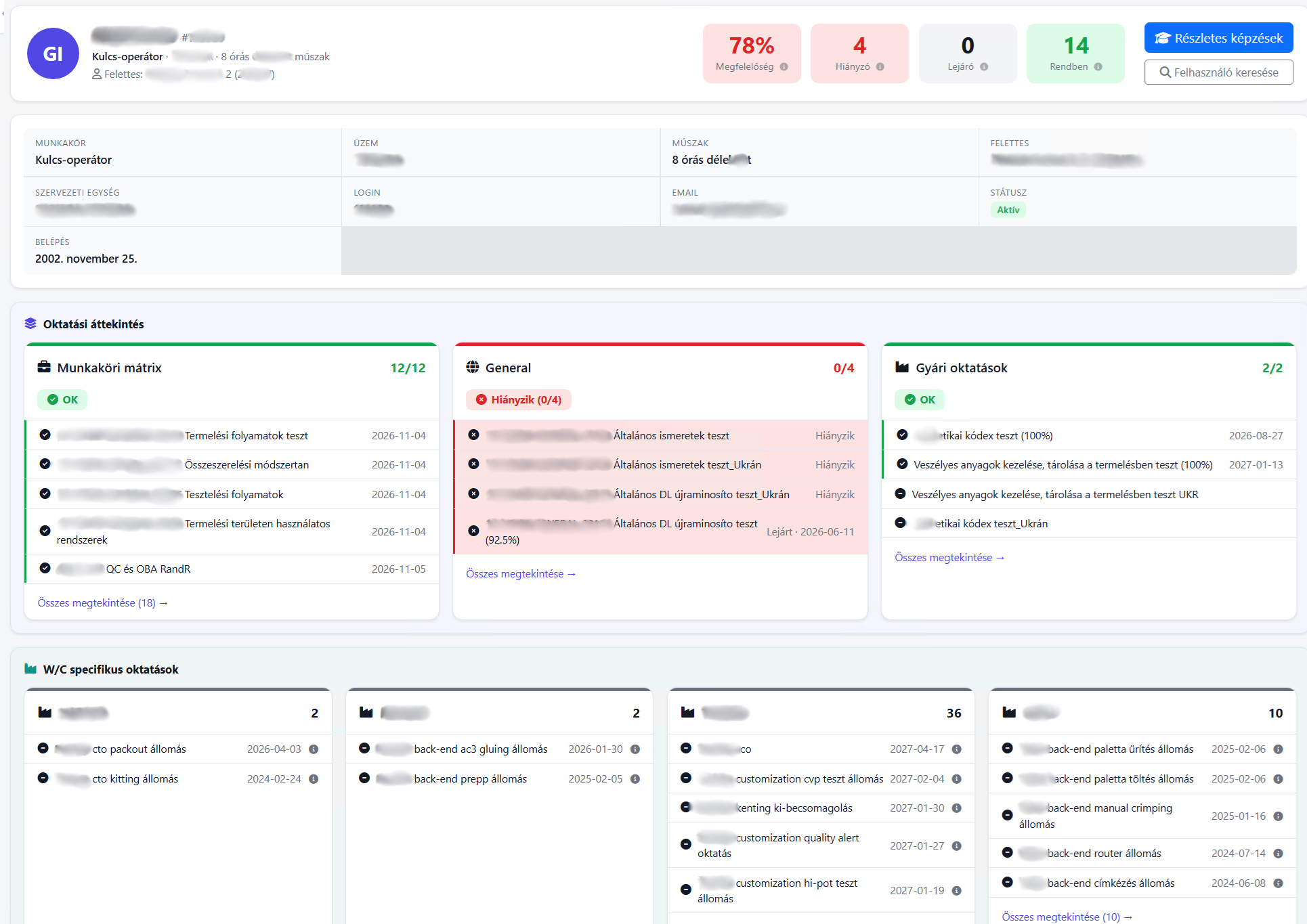
Requalification status

The trend warns in time. Not after the failure.

Control-limit compliance trend, target and forecast in one view: see whether the plant is on track or off — while you can still act.

  • Compliance live: missing, expiring and in-order training
  • ±2σ control limits — signal separated from noise
  • Forecast: what happens if no requalification starts
Across twenty units, this stops being a spreadsheet question.
Request a demo on your own data
Look Decide Act Re-measure
Operating model

The answer is not the end of the road. It is a loop.

You look, you decide, you act, then you measure again — and the next round shows whether it worked.

See the oneLoop operating model →

If you want to go deeper still

All eleven reports by category — each with what it shows, when you need it and what you gain.

Take me deeper

Solutions for every HR need

How do we know everyone is prepared?

oneLearning

  • Upload own materials
  • Videos, PDFs, tests
  • See who is where
Learn more
How do we know the knowledge shows up in the work?

onePerformance

  • Individual goals
  • 360° feedback
  • Development plan
Learn more
How do we know operations are in order?

oneTiming

  • Timesheets
  • Time tracking
  • Absence management
  • Automatic reports
Timing details

Frequently asked questions

What people ask most often about management reporting.

Where does the data come from?
From the One modules: training, performance reviews and working time. The reports live where the data is created — the working time frame monitor, for example, sits in oneTiming. There is no separate data entry: what is recorded in daily work is what appears in the reports.
Do we need a data warehouse or a BI tool?
No. The reports are part of the system, not a separate product.
Who sees what?
Views can follow permissions and organisational roles: a manager, for example, can see the data for their own area.
Can report data be exported?
Yes — the data you need can be taken further as a report or an export, and where it makes sense a printable view is available as well.
Is it worth it for just a few dozen people?
Yes — the same questions come up, with fewer rows. In a smaller organisation the compliance and expiry overview is the most used view.
Do I see live data or a snapshot?
Live data. The reports are calculated from the system's current data every time you open them — there is no overnight snapshot or cache behind them.

Contact

Provide your phone for a quick callback

Email address

info@onelearning.info

Postal address

One Learning Zrt.
1021 Budapest, Budakeszi 51/D C.ép. II/5